Introduction
Managing multiple WordPress websites can quickly become overwhelming without the right strategy. Whether you’re a web design agency handling dozens of client websites, a freelancer maintaining multiple projects, or a business operating several brand websites, every WordPress installation requires regular updates, backups, security monitoring, performance optimization, and content management. As the number of websites grows, these routine tasks consume more time and increase the chances of mistakes.
Many developers initially manage each website independently, using different themes, plugins, and coding practices. While this approach may work for a few projects, it becomes difficult to maintain as your portfolio expands. Different themes require different update procedures, plugin compatibility varies from one website to another, and troubleshooting becomes increasingly complicated. Even simple design changes may need to be repeated manually across every website, resulting in unnecessary work and inconsistent user experiences.
A far more efficient solution is to build and manage websites using custom WordPress themes. Instead of relying on numerous third-party themes with different structures and coding standards, custom themes provide a consistent development framework that can be reused across multiple projects. They allow developers to control performance, branding, security, and functionality while significantly reducing maintenance time.
Custom themes also create opportunities to standardize development processes, reuse components, automate repetitive tasks, and simplify future updates. Combined with modern website management tools, they help agencies and freelancers manage dozens of websites efficiently without sacrificing quality or performance.
This guide explains how custom WordPress themes can simplify website management, improve productivity, reduce long-term maintenance costs, and support scalable business growth.
Why Managing Multiple WordPress Sites Is Challenging
Every WordPress website requires continuous maintenance.
Core updates, plugin upgrades, security patches, backups, malware scanning, content publishing, uptime monitoring, and performance improvements all become recurring responsibilities. Managing these tasks individually across several websites quickly consumes valuable development time.
Using different themes on every project creates additional complexity. Each theme has its own coding style, customization methods, documentation, update schedule, and compatibility requirements. Developers often spend more time learning theme-specific behavior than actually improving websites.
As projects increase, inconsistent workflows lead to higher maintenance costs and greater opportunities for human error.
Why Custom Themes Are a Better Solution
Custom WordPress themes provide complete control over website architecture.
Instead of adapting every project around commercial themes, developers build a lightweight foundation designed specifically for their workflow and client requirements.
Because unnecessary features are removed, websites become faster, cleaner, and easier to maintain.
A reusable custom theme allows agencies to launch new projects much faster while maintaining consistent coding standards across every website.
Over time, this approach significantly reduces development effort and simplifies long-term maintenance.
Build a Reusable Theme Framework
Rather than creating a completely new theme for every client, develop a reusable starter theme.
This master theme should include responsive layouts, optimized typography, flexible page templates, customizable headers, footer layouts, blog designs, portfolio pages, contact forms, and reusable utility functions.
Each new project begins with this foundation before client-specific branding and features are added.
This strategy dramatically reduces development time while maintaining consistent quality.
Create Modular Components
Modern WordPress development benefits greatly from reusable components.
Instead of rebuilding common sections repeatedly, create modular blocks for hero banners, testimonials, FAQs, pricing tables, service cards, team sections, contact forms, client logos, and call-to-action areas.
These components can be reused across multiple websites while remaining easy to customize.
Modular development also improves code organization and makes future updates much simpler.
Maintain Consistent Coding Standards
Consistency is one of the biggest advantages of custom themes.
Following WordPress coding standards across every project makes debugging easier and allows team members to understand the codebase quickly.
Organized file structures, descriptive naming conventions, reusable functions, and properly documented code improve collaboration while reducing maintenance challenges.
A standardized development approach also simplifies onboarding new developers.
Optimize Every Theme for Performance
Website speed should be considered from the beginning of development.
Custom themes allow developers to include only the CSS, JavaScript, and functionality actually required.
Removing unnecessary animations, scripts, icon libraries, and unused features helps reduce page size and improve loading performance.
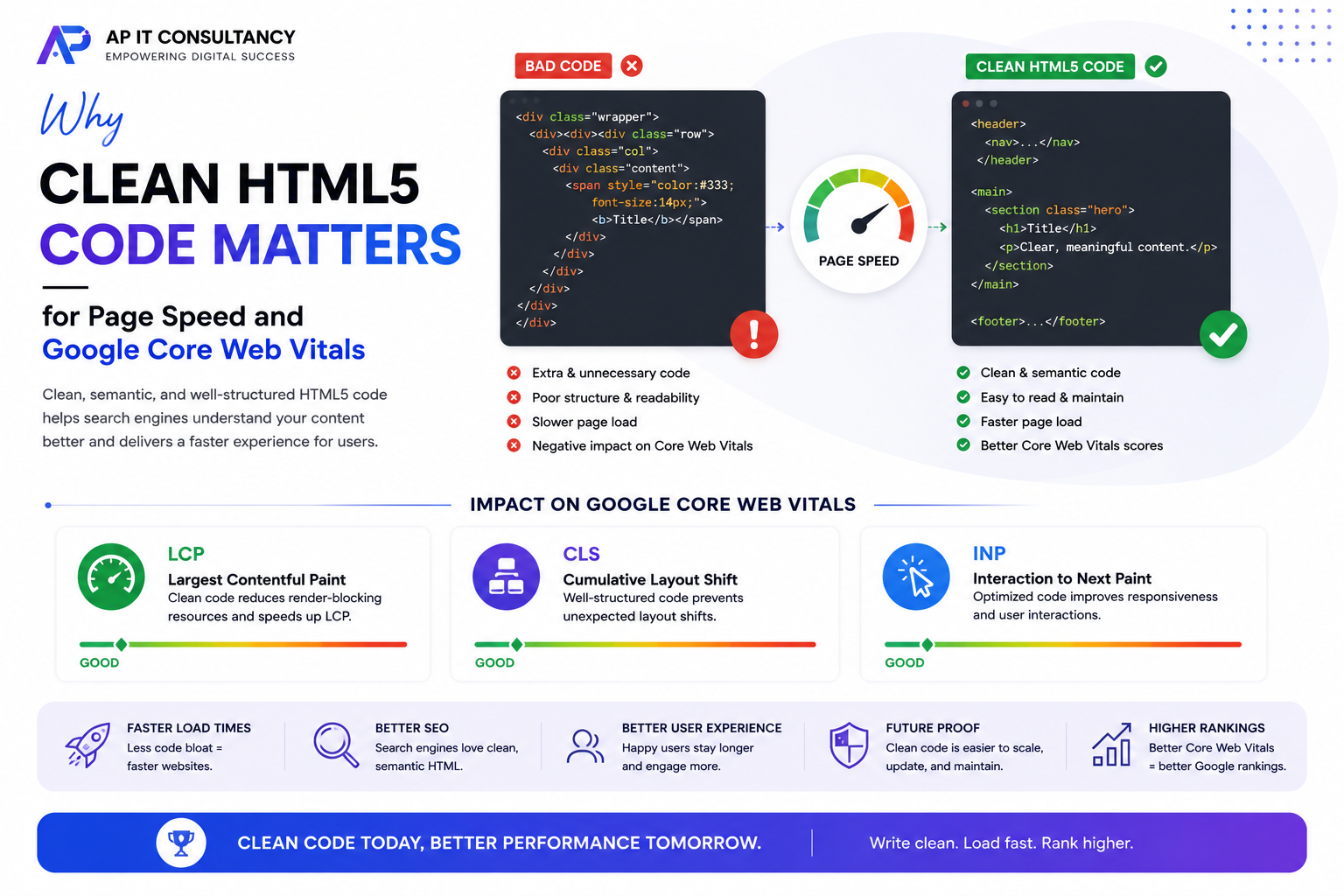
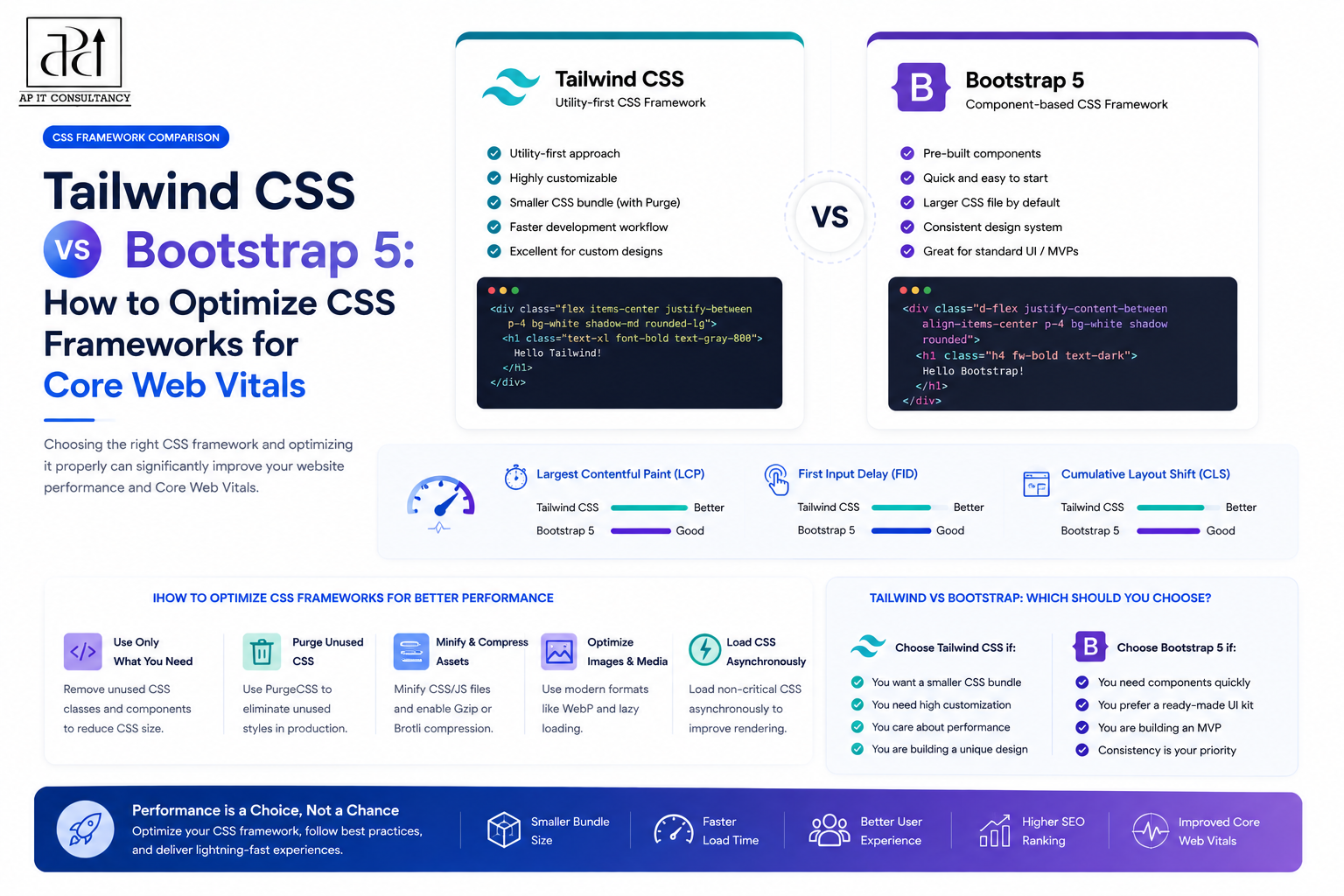
Combine optimized HTML5 structure, lazy loading, image compression, browser caching, and efficient typography to improve Google Core Web Vitals.
Lightweight websites provide better user experiences while improving SEO rankings.
Standardize Plugin Usage
Managing different plugins across multiple websites often creates compatibility issues.
Instead, create a trusted collection of plugins for essential functions such as SEO, security, backups, caching, forms, image optimization, analytics, and spam protection.
Using the same plugins across every project simplifies updates, troubleshooting, and staff training.
It also reduces the likelihood of plugin conflicts after WordPress updates.
Use Child Themes When Necessary
Although custom themes provide a strong foundation, certain projects require unique functionality.
Instead of modifying the primary theme directly, create child themes that contain client-specific customizations.
This approach allows the main theme to receive improvements and bug fixes without overwriting individual project changes.
Child themes offer flexibility while preserving maintainability.
Automate Routine Maintenance
Automation saves significant time when managing numerous WordPress websites.
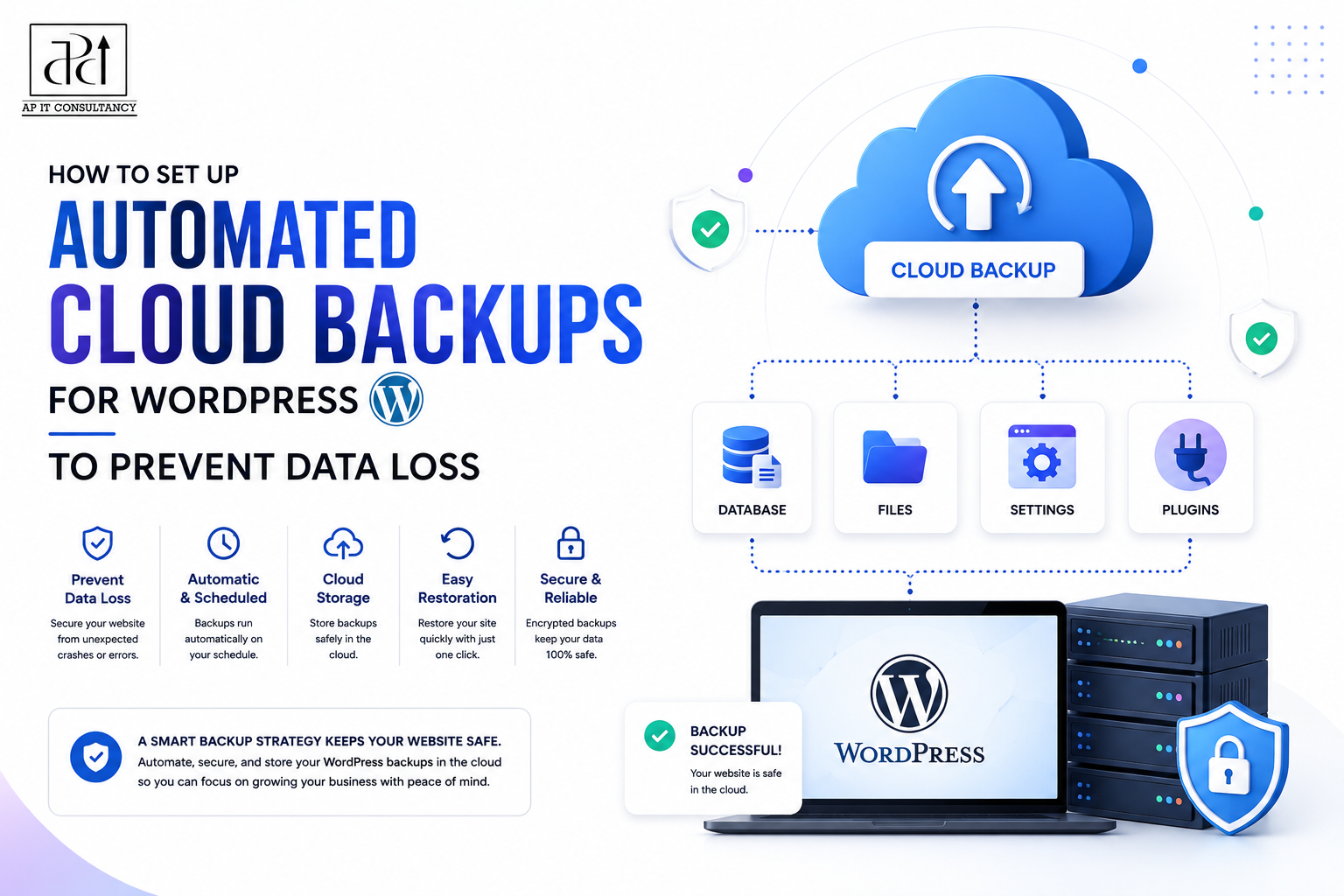
Schedule automatic backups, uptime monitoring, malware scanning, database optimization, plugin updates, and security checks whenever possible.
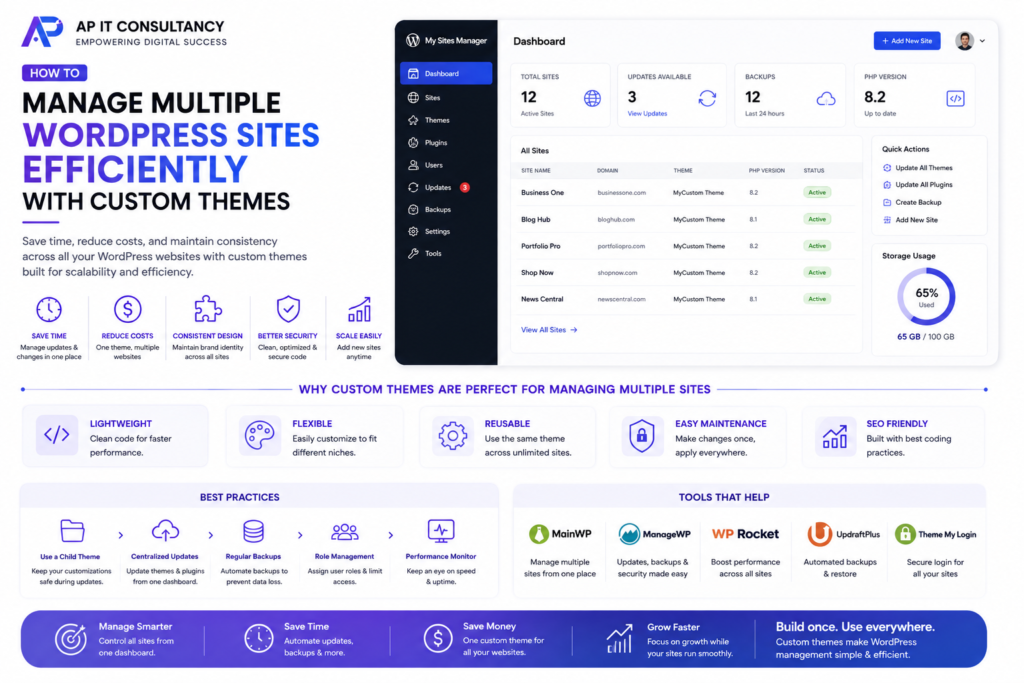
Many WordPress management platforms allow administrators to monitor all websites from a single dashboard.
Automation reduces manual work while ensuring maintenance tasks are completed consistently.
Test Updates Before Deployment
Updating plugins or WordPress core directly on live websites always carries some risk.
A staging environment allows developers to safely test updates before deploying them to production.
Testing identifies compatibility issues, layout changes, broken functionality, and plugin conflicts without affecting visitors.
This practice is especially important for client websites where downtime may impact business operations.
Prioritize Website Security
Managing multiple websites requires a proactive security strategy.
Use SSL certificates, strong passwords, two-factor authentication, Web Application Firewalls (WAF), malware scanning, and regular security audits.
Keep WordPress core, plugins, and themes updated to reduce vulnerabilities.
Custom themes should follow secure coding practices and avoid unnecessary third-party dependencies whenever possible.
Reliable security protects both client data and business reputation.
Document Every Project
Documentation becomes increasingly valuable as the number of managed websites grows.
Maintain records of hosting environments, plugin configurations, theme customizations, deployment procedures, DNS settings, backup schedules, and client-specific requirements.
Well-documented projects simplify maintenance, reduce troubleshooting time, and improve collaboration among development teams.
Documentation also makes future migrations and redesigns significantly easier.
Plan for Future Growth
Agencies and freelancers rarely stop at managing just a handful of websites.
Your development workflow should support future expansion without increasing complexity.
Reusable themes, modular components, standardized plugins, automated maintenance, and organized documentation allow businesses to scale efficiently while maintaining consistent quality.
Planning for growth today prevents expensive restructuring later.
Final Thoughts
Managing multiple WordPress websites doesn’t have to become increasingly complicated as your business grows. By building reusable custom themes, standardizing plugins, creating modular components, automating maintenance tasks, and following consistent development practices, agencies and freelancers can dramatically reduce maintenance time while improving website quality and reliability. Instead of struggling with dozens of unrelated themes and inconsistent workflows, a unified development system provides greater efficiency, better performance, and easier long-term support.
Custom WordPress themes are more than a design solution—they are a scalable business strategy. They help developers launch projects faster, simplify updates, strengthen security, improve Core Web Vitals, and maintain consistent branding across multiple websites. Whether you’re managing five websites or fifty, investing in a reusable custom theme framework creates a strong foundation that saves time, reduces costs, and supports sustainable growth for years to come.