Do you want to know what an Elementor theme actually is and how it works with Elementor?
If you’re using WordPress and planning to build your website with Elementor, understanding this difference can make things much easier.
In this guide, I’ll explain what Elementor is, what an Elementor theme is, and how they work together in simple words.
By the end, you’ll know what each one does, whether you need an Elementor theme, and what to look for when choosing one.
What Is Elementor?
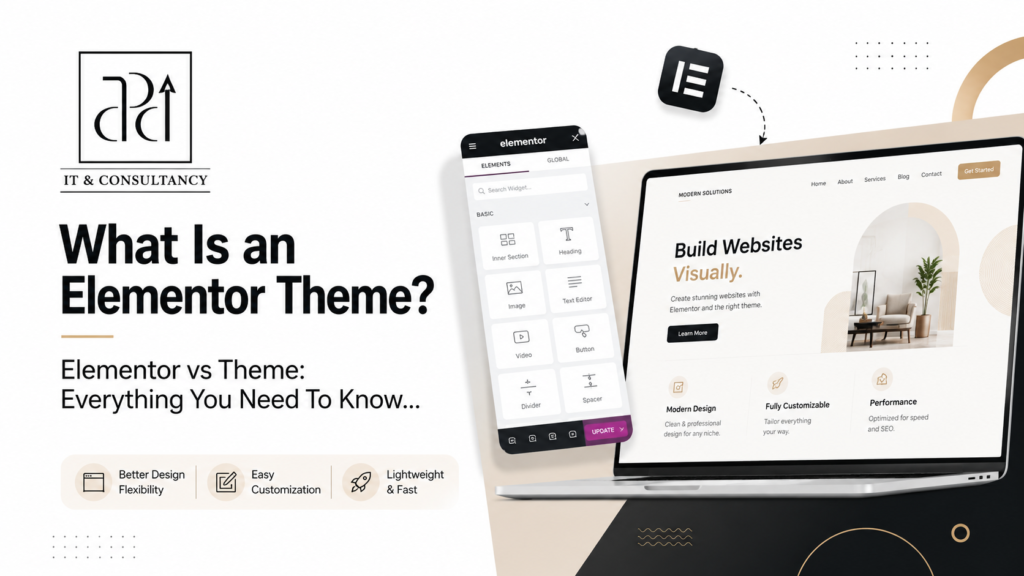
Elementor is a page builder plugin for WordPress that lets you create and customize website pages without writing code.
It gives you a visual editor where you can add text, images, buttons, videos, columns, and other elements to your page. You can move them around, change their look, and see your changes as you make them.
WordPress provides the website, while Elementor gives you an easy way to design its pages without coding.
What Is an Elementor Theme?
An Elementor theme is simply a WordPress theme that is made to work with Elementor.
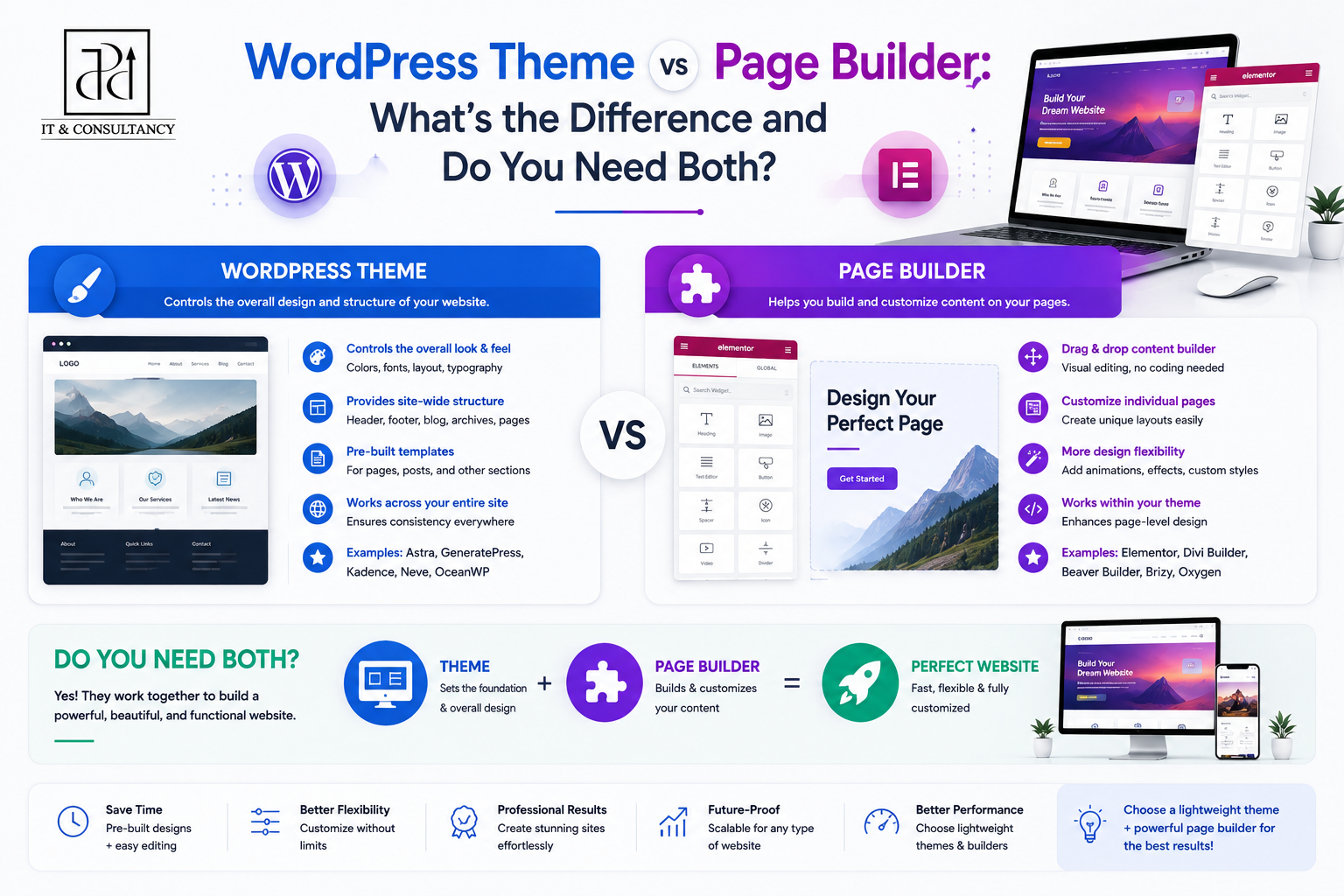
Think of the theme as the base of your website. It sets up the basic site-wide parts, such as:
- Header and footer
- Blog and archive layouts
- Default fonts and colors
- Page layout and width
- Basic responsive behavior
The important part is that an Elementor theme is designed so Elementor can work smoothly with these theme settings. This can make it easier to use Elementor for your page designs without the theme getting in the way.
For example, Hello Elementor is a lightweight theme created specifically to work with Elementor. It provides a simple base and lets Elementor handle more of the visual design.
In short, an Elementor theme is the WordPress theme you use as the foundation for an Elementor-based website.
How Does an Elementor Theme Work With Elementor?
An Elementor theme and Elementor are two separate parts of a WordPress website. The theme is installed as the website’s theme, while Elementor is installed as a plugin.
They work together in a simple way.
- WordPress provides the platform for your website.
- The theme provides the basic website structure and theme settings.
- Elementor lets you visually create and customize your pages without writing code.
For example, your theme may set the header, footer, blog layout, fonts, colors, and page width. You can then use Elementor to design the content and layout of your pages.
Some Elementor themes also allow Elementor to control more parts of the website, depending on the theme and the Elementor features you use.
Elementor vs Elementor Theme: What’s the Difference?
The clearest difference is what each one is responsible for on your website. Elementor works mainly as a design tool, while the theme handles the website’s theme-level structure.
| Elementor | Elementor Theme | |
| Type | WordPress plugin | WordPress theme |
| Works mainly on | Page and template design | Overall theme structure |
| Page content | Lets you add and design text, images, buttons, videos, and other elements | Provides the basic page framework |
| Page layout | Lets you create custom layouts with containers and widgets | Provides default layouts and page settings |
| Header & footer | Can design them when supported by Elementor features | Provides the default header and footer structure |
| Blog pages | Can customize supported blog/archive templates | Provides the default blog and archive layout |
| Global styling | Lets you set design styles used across Elementor content | Provides the theme’s default fonts, colors, and other styling |
| Installation | Installed as a plugin | Installed as the active WordPress theme |
Elementor gives you more control over the things you design, while the Elementor theme controls the theme-level parts of the website.
Do You Need an Elementor Theme to Use Elementor?
No, you do not need a theme specifically made for Elementor. Elementor can work with many WordPress themes as long as they are compatible with the plugin.
However, using an Elementor-friendly theme can make the setup easier because the theme is designed to work well with Elementor.
You can choose between:
- A regular compatible theme if you want the theme to provide more of the site’s design and structure.
- An Elementor-focused theme if you want Elementor to handle more of the visual design.
- A lightweight theme if you want a simple base with fewer built-in design restrictions.
So, you need a WordPress theme to run your website, but it does not have to be an “Elementor theme.” The important thing is that the theme you choose works properly with the version of Elementor you plan to use.
What Should You Look for in an Elementor Theme?
If you plan to use Elementor, the theme you choose should work well with the way you want to build your website. You do not need a theme with dozens of extra features. Focus on the things that affect how Elementor works with it.
- Elementor compatibility
Make sure the theme is tested and works properly with Elementor. - Layout control
Look for options such as full-width pages or layouts that give Elementor enough space to design your pages. - Header and footer support
Check how the theme handles these areas and whether they can work with Elementor’s available customization options. - Lightweight code
A theme with less unnecessary code can help keep your website faster. - Responsive design
The theme should display properly on phones, tablets, and desktop screens. - Regular updates
Choose a theme that is actively maintained so it can continue working with current WordPress and Elementor versions. - Plugin compatibility
If you plan to use WooCommerce or other important WordPress plugins, make sure the theme supports them.
The goal is simple: choose a theme that gives Elementor enough freedom to do its job without adding unnecessary restrictions or extra weight to your website.
Conclusion
An Elementor theme is simply a WordPress theme that is designed to work with Elementor.
The theme provides the basic website setup, while Elementor gives you visual tools to design and customize your pages.
Once you understand this difference, choosing a theme becomes much easier.
You can focus on finding a theme that is compatible, lightweight, responsive, and gives Elementor enough freedom to create the design you want.
Frequently Asked Questions About Elementor Themes
Is Elementor a theme or a plugin?
Elementor is a WordPress plugin, not a theme. It adds visual page-building tools to WordPress.
Is an Elementor theme different from a WordPress theme?
An Elementor theme is still a WordPress theme. The difference is that it is built or optimized to work well with Elementor.
Can I use Elementor with any WordPress theme?
Not necessarily. Elementor works with many WordPress themes, but you should check that the theme is compatible with the Elementor version and features you plan to use.
Do I need Elementor Pro to use an Elementor theme?
No. You can use a compatible theme with the free version of Elementor. Elementor Pro is only needed for features that are included in the Pro version.
Can I change my theme after using Elementor?
Yes, you can change your WordPress theme. However, the change may affect theme-controlled parts of your website, such as the header, footer, blog layouts, or other theme-specific settings.
Is Hello Elementor a theme?
Yes. Hello Elementor is a lightweight WordPress theme created to work with Elementor. It provides a minimal base so you can use Elementor for more of the website’s design.